Run your departments without a spreadsheet
Ranks, rosters, applications, leave and discipline for every department, with Discord roles that update when someone is hired, promoted or let go.
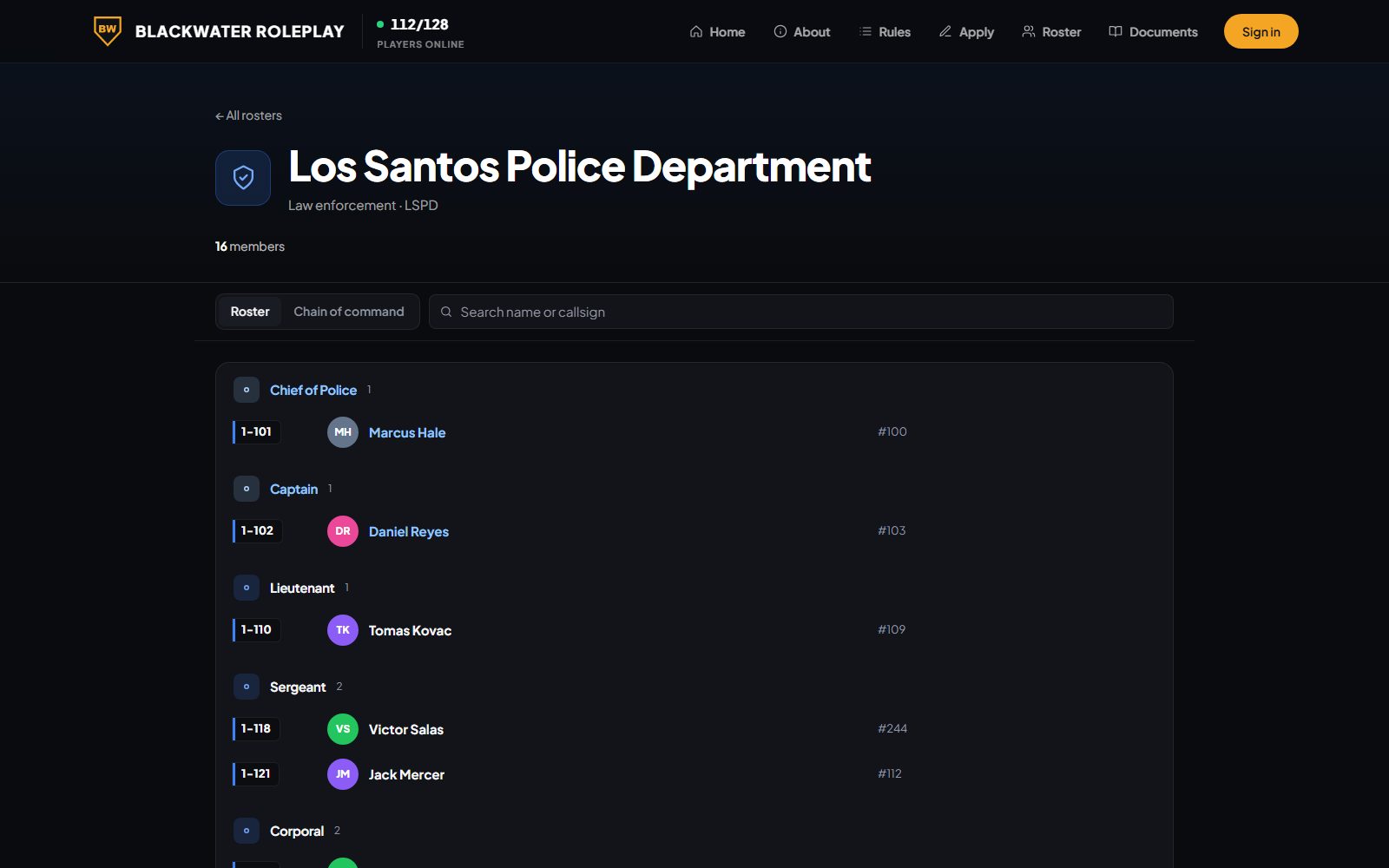
Roster
One roster per department with ranks, callsigns and badge numbers. Put it on your community site or embed it anywhere.
- Ranks, callsigns and badge numbers
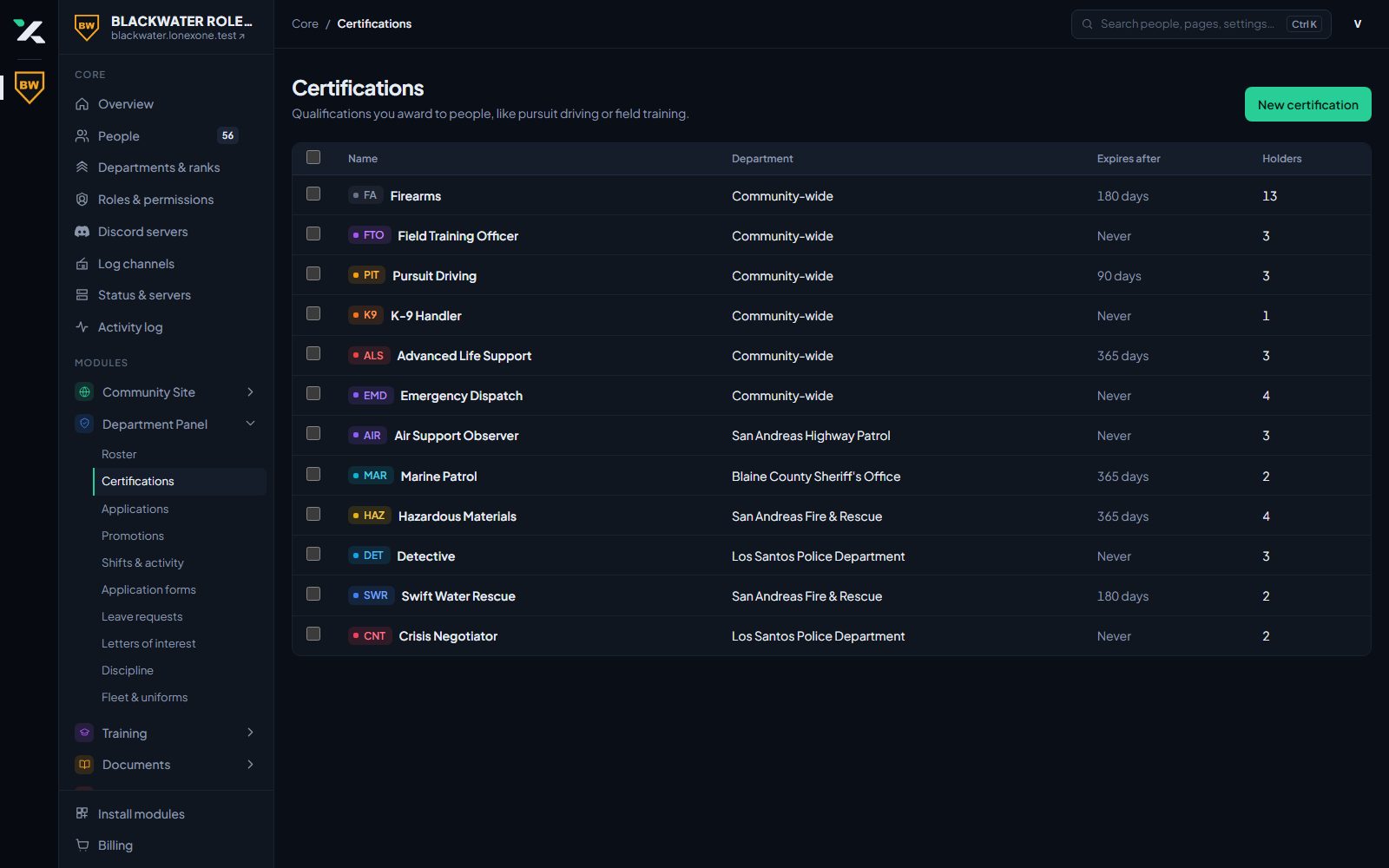
- Certifications that expire and renew
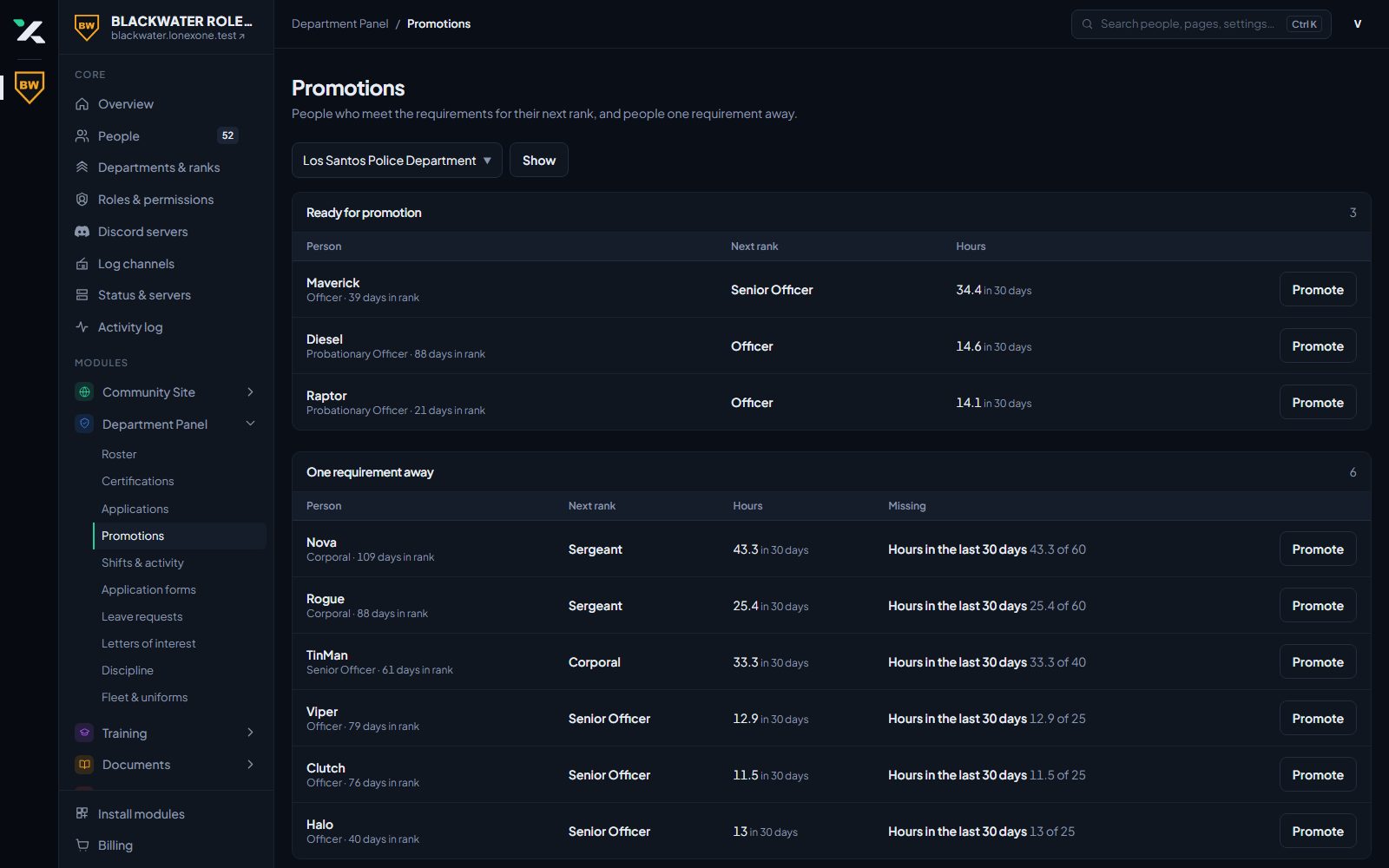
- Promotions and transfers between departments
- Divisions with their own ranks, permissions, roster, discipline, applications and training
- Public roster page and embed
Applications
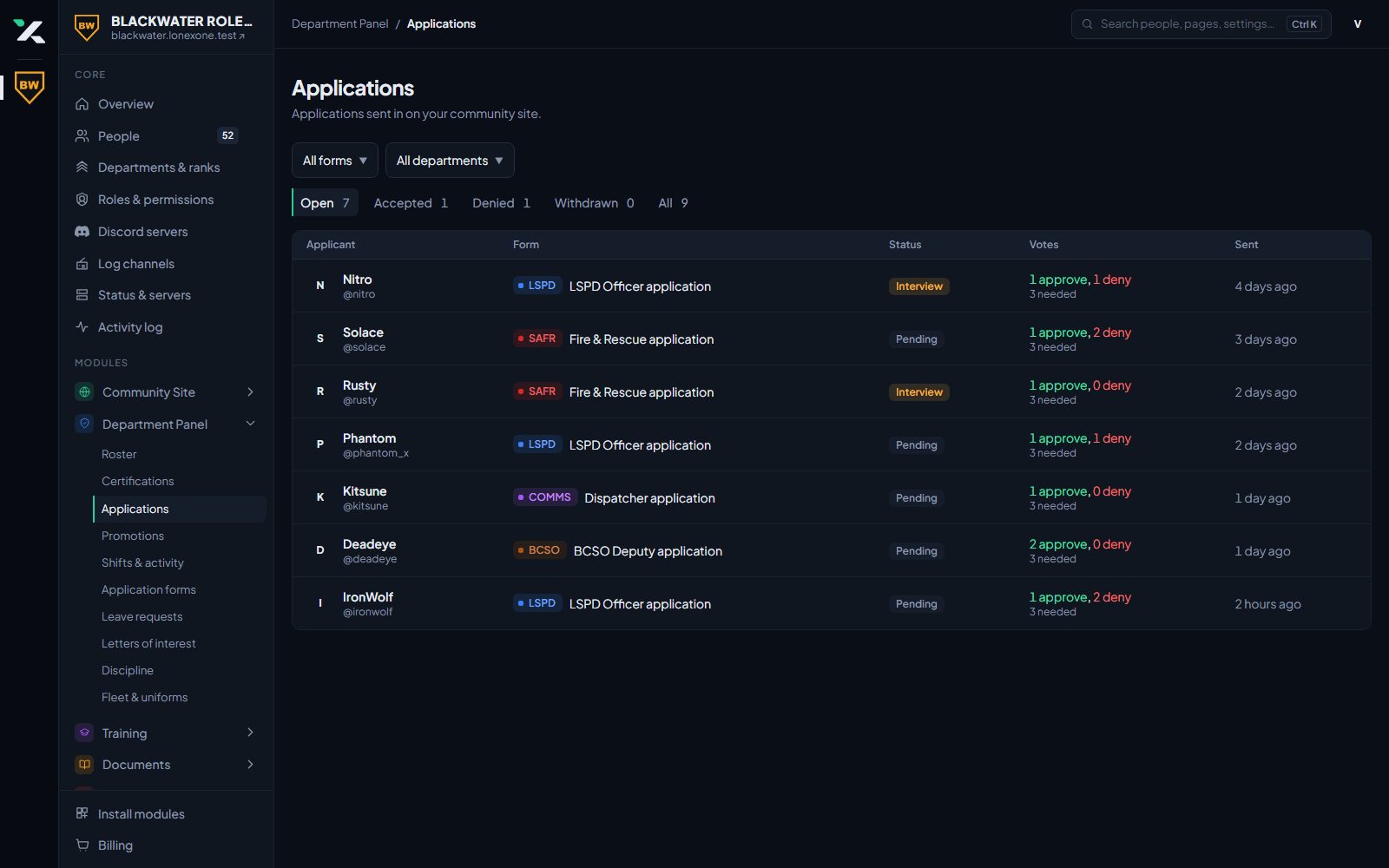
Build an application form for each department. People apply on your community site, reviewers vote and decide, and accepting someone puts them on the roster and gives them their roles.
- Form builder with your own questions
- Minimum playtime and trust score to apply
- Accept, deny and comment from the panel
- Opens and closes on the dates you set, shown on your events calendar
- Letters of interest for jobs that are not open yet
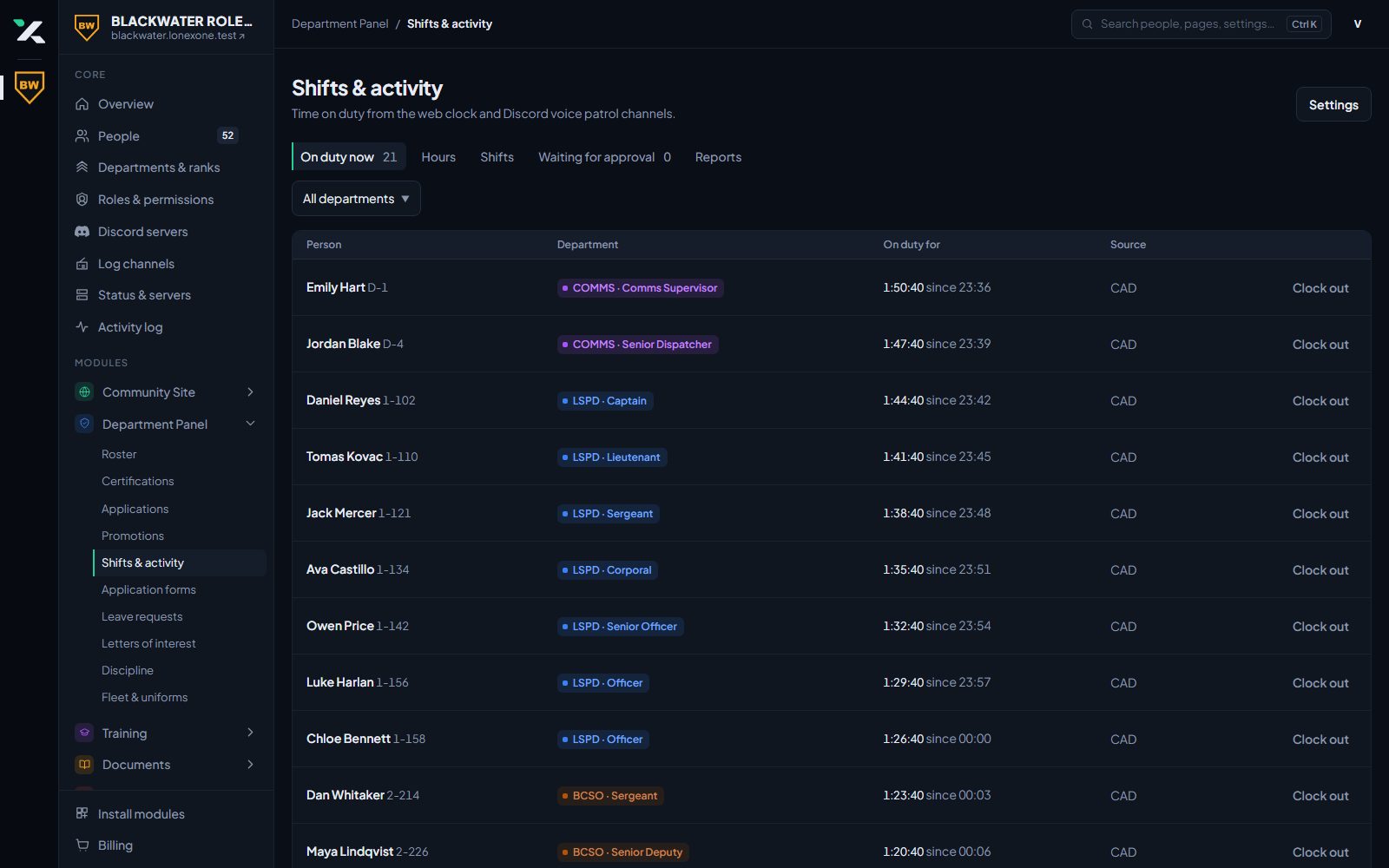
Shifts and activity
Going on duty in game or in the CAD starts a shift. Set activity rules per department and see who has gone quiet before it becomes a problem.
- Hours from the game and the CAD
- Activity rules per department
- Members see their own hours
Leave and discipline
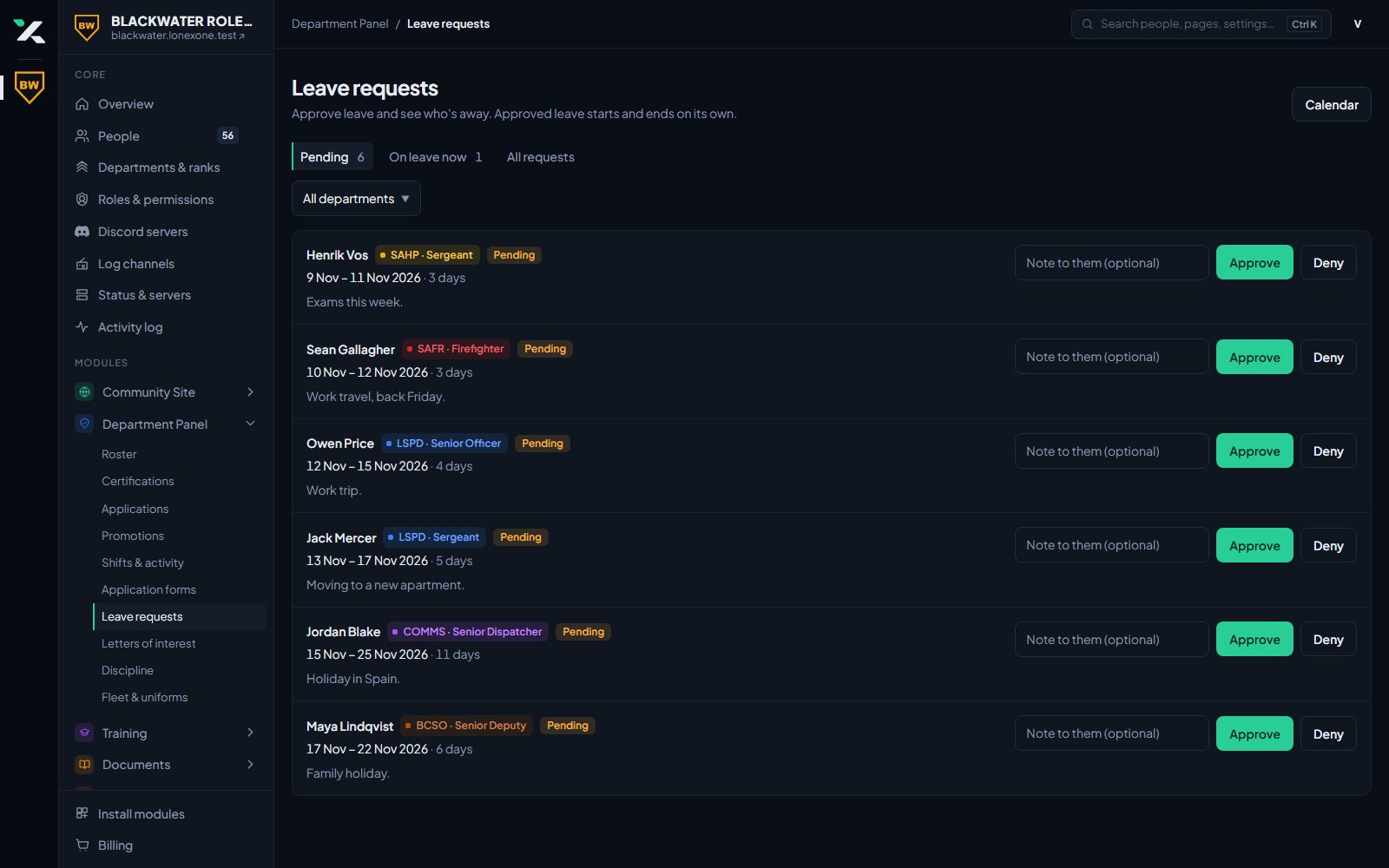
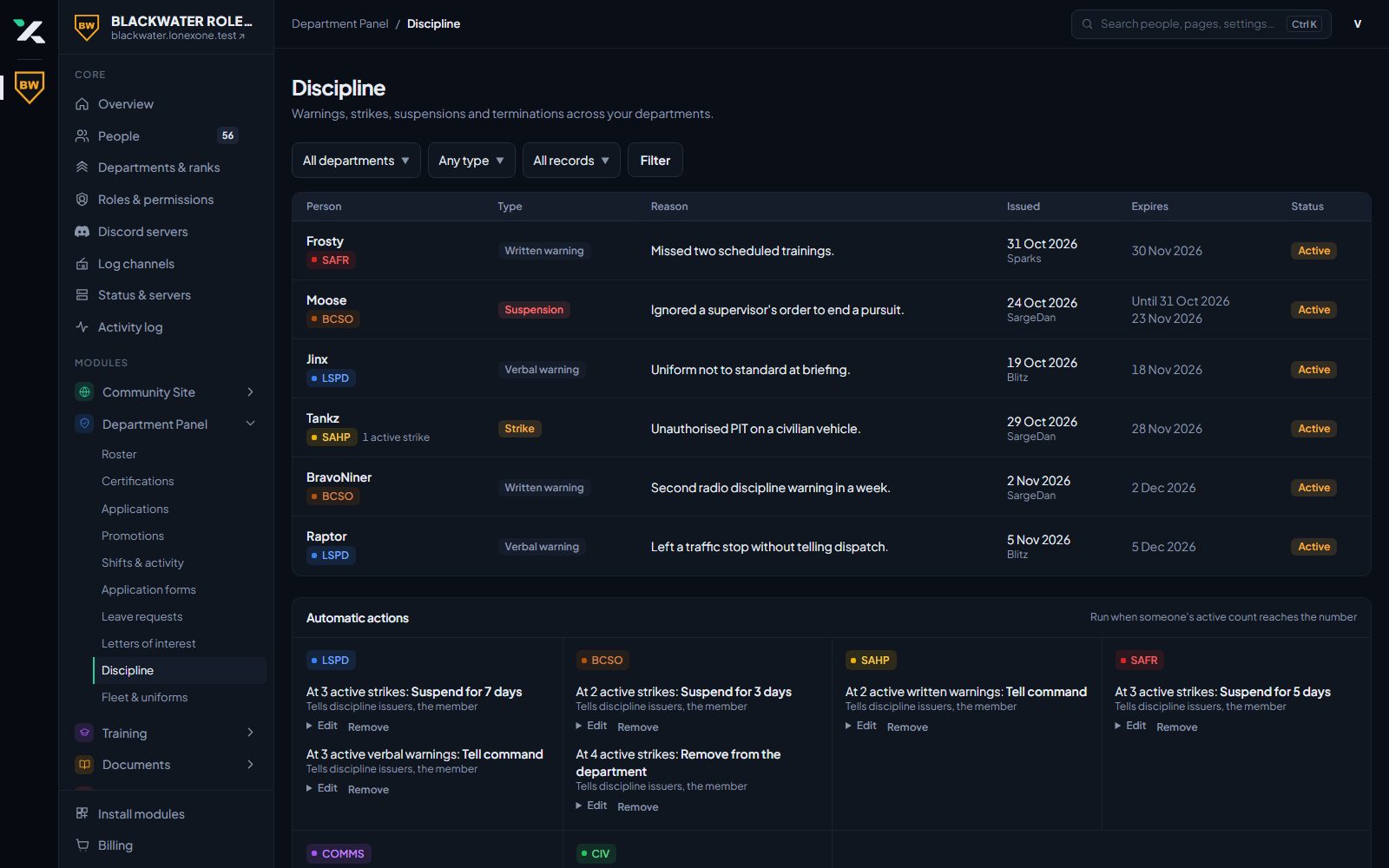
Members request leave from their dashboard. Discipline is recorded once and the people who need to know are told.
- Leave requests with approval
- Discipline types you define
- Tell issuers, chosen roles and the member
- Members see their own record
Fleet and uniforms
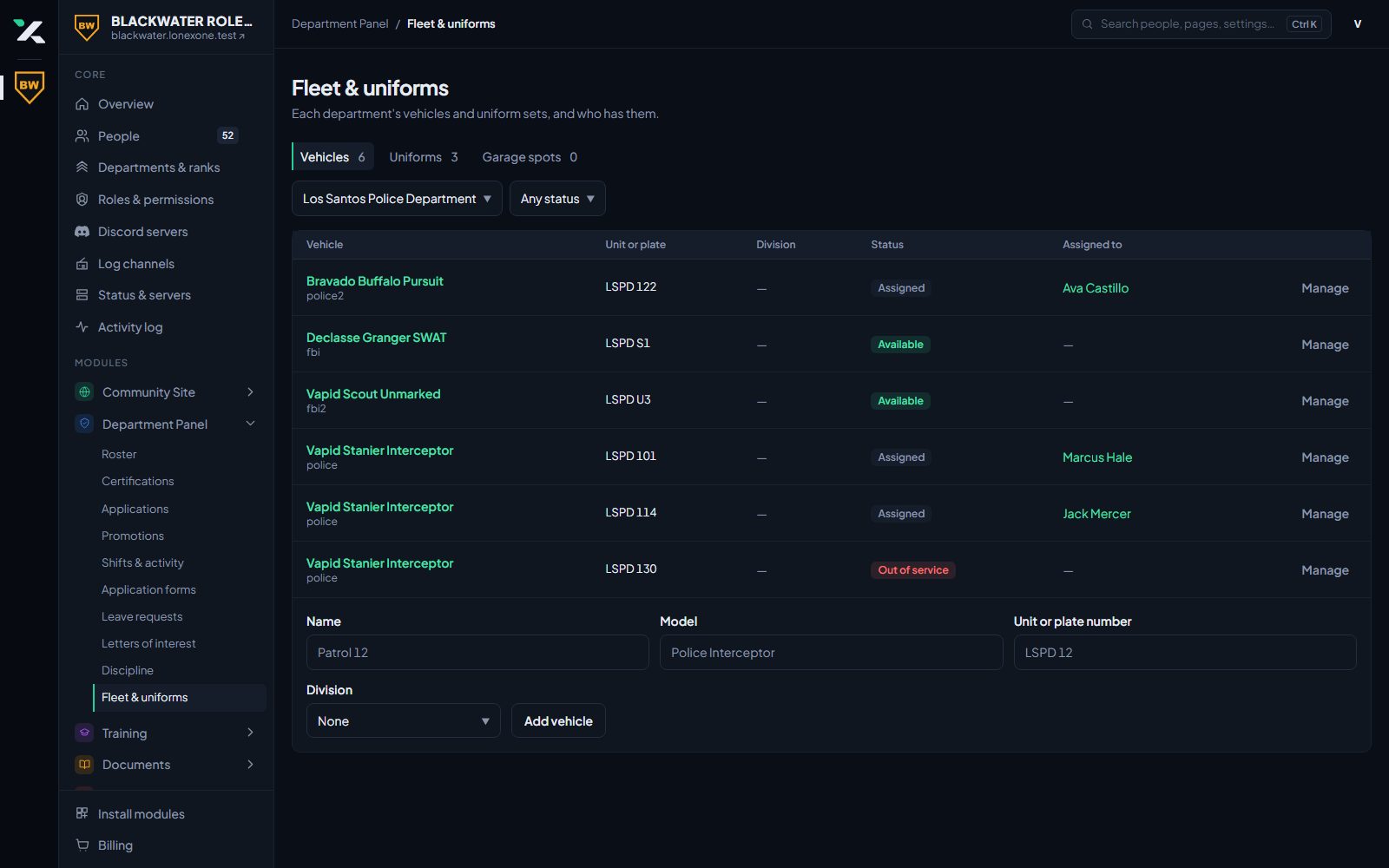
Assign vehicles and uniforms by department, division and rank. Each division lists its own on its page, and a division rank can be allowed to manage them. In game, officers take out their department vehicles with /garage at the spots you mark.
- Vehicles with liveries and extras
- Uniforms and loadouts by rank
- /vssave copies a car's setup to the website
- Garage spots marked in game
- Duplicate a uniform or vehicle to make rank variants quickly
Bring your community over
Join our Discord and open a ticket. We will set your community up and the bot will message you a link to claim it.